





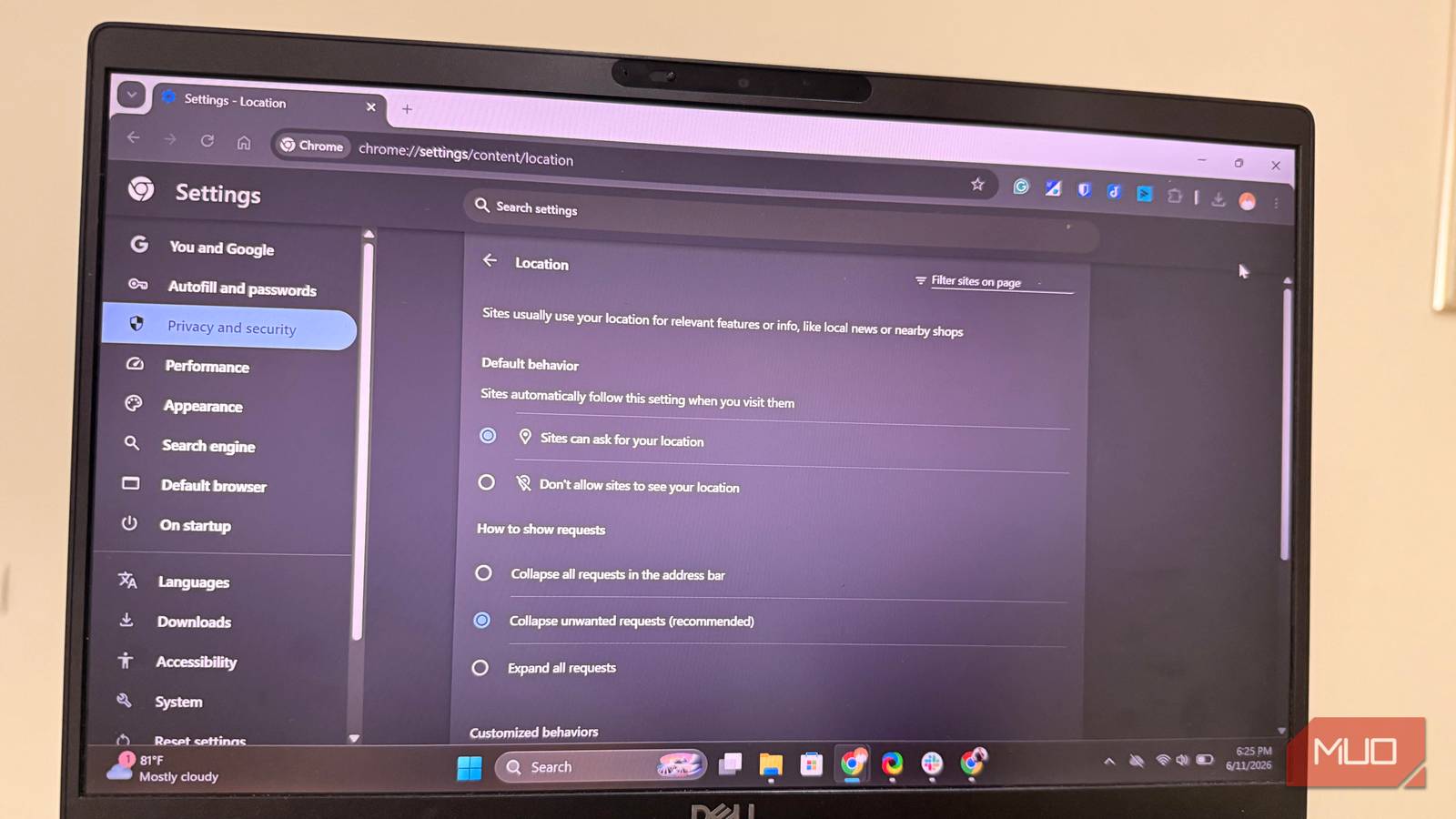
You’d be very wrong to think you’re invisible just because you clicked the “Don’t Allow” button on a website’s location prompt. It helps, but it’s one of the many sneaky signals that browsers use to track you across the web.
I found some clues that reveal more about you than you realize. They may seem like innocent attributes, but in practice, they’re weaponized to turn your browser into a tracking beacon for advertisers, data brokers, and analytics companies. These are other signals you may not have considered.
My time zone was exposed.
No permission required.

On all the main browsers I regularly visit for the sites I use — Brave, Firefox, and Chrome — I’ve turned off location access. I felt it was a reasonable step to stop these websites from tracking me. When I ran the fingerprinting test on the EFF, I was quite disappointed. Cover your tracks. And noticed that the HTTP headers sent by my device still contain my time zone information.
Without prompts, warnings, or permissions, the browser gives this information the same way it does screen resolution or preferred language. A time zone is a data point that scheduling tools, calendar apps, and event pages need to work properly. Because the websites have a legitimate reason to access this information, they get it without any interaction from you.
However, this is a very revealing piece of data. Even if a browser only reports West Africa time without specifying a city, this narrows down the possible locations greatly. When this information is combined with your browser’s language and a random IP-based region, it makes it incredibly easy for browsers to deduce your location.
In Firefox, the resist fingerprinting feature lets the browser report a common time zone, hiding your real one. On tour, time zones are standard. Yet you face a real trade-off with any attempt to hide this information. In particular, scheduling services can be unpredictable, and calendar apps can show incorrect times.
When I blocked the location, the browsers stopped asking where I was, but they still gave a rough answer.

I stopped using “Incognito Mode” for privacy after learning about fingerprinting.
It just isn’t doing what you think it is.
My browser captured the fingerprint.
It survived incognito mode.

When I discovered how my time zone was still being shared, I took further steps to clear my cookies and use incognito or private browsing modes. With this new setup, I reloaded the Cover Your Tracks test, hoping I might get a different result.
Hardly anything changed. Even with JavaScript disabled, the site was still able to create a canvas fingerprint. This short identifier is derived from how the browser renders graphics. It doesn’t matter how many times I have taken the test. The results were consistent.
The mechanism is fine. Websites that use canvas fingerprinting require your browser to capture an invisible image in the background. Application output is directly a product of your device’s graphics hardware, installed drivers, operating system, and browser version. This will usually generate a unique image for each user. Similar techniques are used for audio processing, where a comparable identifier is created from small differences in how your hardware handles sound.
None of these techniques require the browser to send your GPU model directly. However, they feature plenty of rendering features that ensure the results are unique to you. These results are tied to your hardware, which makes it ineffective at clearing cookies or preventing switching tabs.
Some browsers take additional steps to reduce this fingerprint. Brave, for example, adds noise to the results to make them less consistent, and Firefox does the same with the Resist Fingerprinting feature. However, this may present some sites with more aggressive CAPTCHA challenges, and some web apps may be unpredictable.
Although I always knew that websites would recognize my account, it was more of a surprise to learn that they would also recognize my device.
My fonts complete the puzzle.
They were amazingly unique.
Of all the elements that define your tracks, fonts seem the most unnecessary on the surface. They seemed to be cosmetic and more useful in design tools and documentation.
However, as I researched, the truth hit me: the fonts were just as important as the other fingerprinting signals I observed. The fonts didn’t mean much individually, but when combined they were a powerful tracking material. Fingerprinting tools are not looking for rare fonts. Rather, they are looking for patterns unique to you. The more fonts the system has, the more unique the pattern becomes.
The fonts that came up in the fingerprint test were the same across all browsers on my device, and when I ran the same test with the same browsers on a freshly installed device, I found fewer fonts. This is because the browser queries the OS for installed fonts. These elements are often different for each device, depending on the tools you use on it.
Individually, the signals are telling – collectively, they’re perfect.
All three signals combine effectively to tell a lot about the user. The time zone effectively localizes data, hardware fingerprinting identifies the device, and font data makes it even harder to mistake that device for another.
Just through daily browsing, we’ve put so much data in the hands of advertisers, data brokers, and analytics companies.
While this shouldn’t drive you crazy, it’s good to know what you’re giving up every day when you log on to that computer. I blocked location permissions on each site, but apparently, a lot is still granted during these sessions.