





Chances are, your network is already using a combination of router and modem. This is how most home networks are set up these days.
But what happens when the internet doesn’t reach your entire house, garden or even your garage?
Most people assume the correct answer is an extender, or maybe another router to amplify the signal. But what you really need is a different kind of access point.
Home network problems don’t always boil down to the router.
Sometimes, it’s coverage instead

When Wi-Fi can’t reach the spare bedroom or falls out in the garden, it’s easy to assume the router isn’t powerful enough. It makes sense; It’s a networking box, so of course buying a better networking box solves the problem, right?
The problem, though, is that while a router typically provides most of your home’s Wi-Fi coverage, broadcasting Wi-Fi is only part of a router’s job. Its primary role is to manage connectivity between your home network and the Internet, NAT, DHCP, and WAN links, not to route traffic within the home. Wi-Fi is a visible part of this work, not the whole of it.
In this, extending your existing network to those hard-to-reach corners is best done with an access point rather than another router or extender.
Instead of creating another private network with its own settings, IP addresses, etc., a well-placed access point broadcasts the same network further around your home. This means that instead of programming devices to work on two networks and hoping they all play well, you’re extending the existing one.
But isn’t an access point just a router anyway?
There is some ambiguous language to eliminate.
Yes, a router is an access point, in the sense that an access point is built into the user’s router, which is the Wi-Fi radio serving your home. This is separate from the router’s other function, managing the connection between your home and the Internet.
A better definition is that an access point describes hardware whose function is to extend Wi-Fi coverage, not to route traffic over the Internet, although most routers do both under the same roof. This is why the terminology gets confused: you can take another router and use only its access point half, turning off the routing half entirely.
Most modern routers usually have a feature. AP mode which turns off DHCP and NAT and stops the Wi-Fi radio from working. Here’s the good news: If you’ve already purchased a secondary router to expand your network, you haven’t wasted your money. Far from it, actually. You’re probably already one step closer to expanding your network by turning that second router into an access point.
Setting the other router to AP mode is an important part of this process, mind, otherwise you’ll have two networks running in your home. If both routers are trying to compete for the same traffic, you can create what’s called double NAT, which can cause compatibility issues. To be fair, most network traffic won’t care too much, but apps and services that require port forwarding, NAS, VoIP services, and self-hosted services are more likely to protest the network configuration.
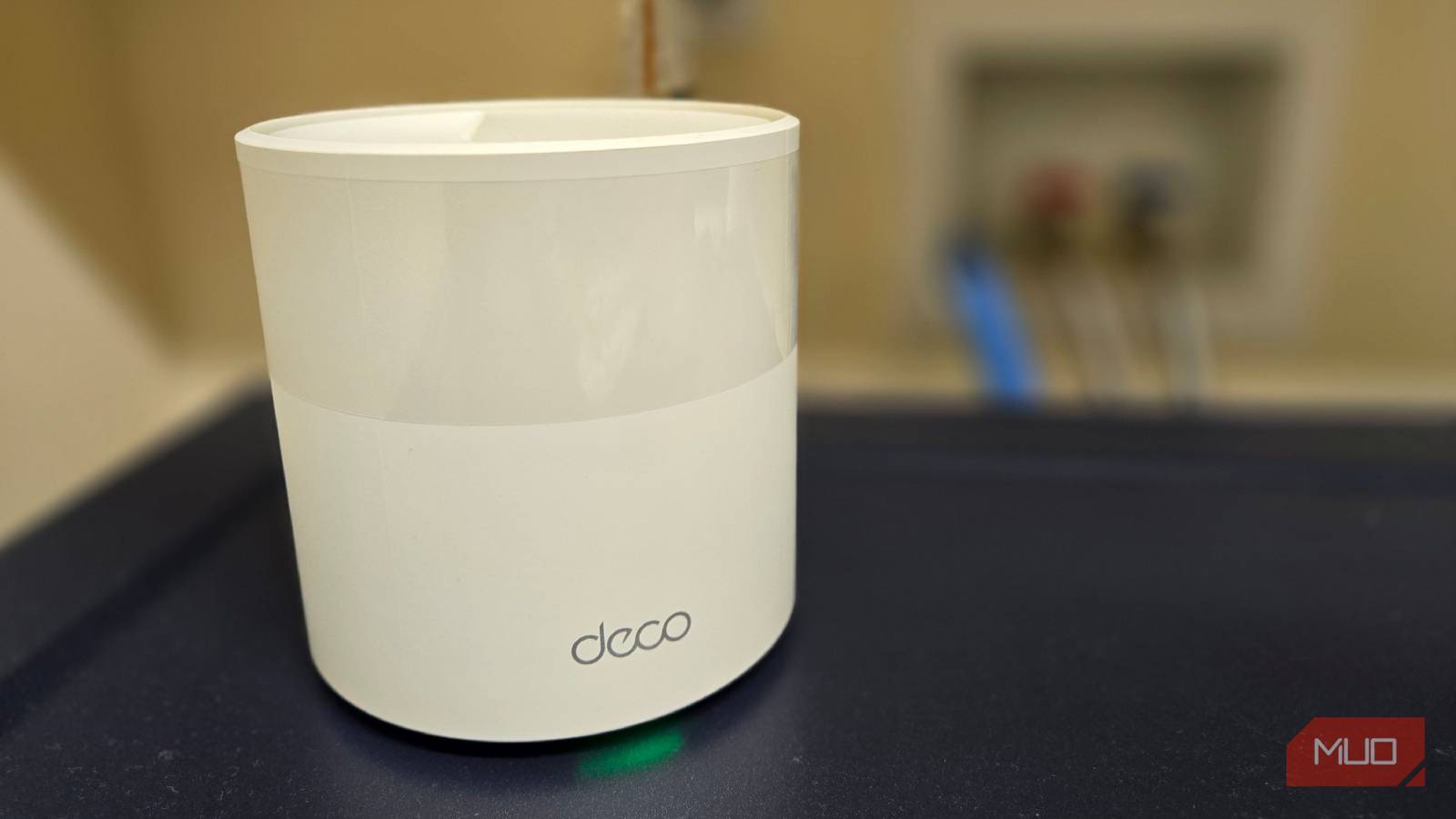
AP mode is also what you’ll find powering most mesh Wi-Fi networks, which typically use a single, central router with satellite access points to extend range – a perfect example of why you need APs to extend your home network.
Extenders work, but present a different set of problems.
You may encounter various network issues.
Wi-Fi extenders and repeaters aim for the same dead zone complaint, but they get there in different and worse ways.
Instead of a wired connection back to the network, most extenders and repeaters receive and retransmit the existing Wi-Fi signal, which means that each packet is received once and sent again on the same radio. This cuts your available bandwidth on a single radio extender in half, before you account for any distance and interference that is fighting in the first place.
Powerline Wi-Fi Extender Kits solve this problem.
I’d be remiss if I didn’t mention powerline adapters with built-in Wi-Fi extenders.
While many extenders or repeaters try to pick up and rebroadcast your Wi-Fi signal, a suitable powerline adapter kit can solve this problem by plugging directly into your home’s electrical cabling, receiving the signal from a router plugged into a power outlet on the other end. This eliminates a major problem with other Wi-Fi extenders.
I’ve long used powerline adapters in my home, and receive an excellent wired Ethernet signal from the router downstairs in my office. But I’m also one of the lucky ones, because there are so many ways a powerline adapter can go wrong.
Your router may already support adding access points or mesh Wi-Fi mode.
I’m not suggesting everyone ditch their current setup for a modem-router-AP combo. It just won’t suit some people. Live in a single bed apartment? Your current Wi-Fi router setup probably works fine. Remember to pay attention to blocking Wi-Fi channels that slow down your network.
There’s another consideration: does your router already support Mesh Wi-Fi/Access Point Broadcast mode?
Many modern routers come with a dedicated mode that makes adding an access point relatively easy, provided you have the appropriate hardware. For example, ASUS calls its version AiMesh, TP-Link has OneMesh and its Deco line, and Netgear and other manufacturers all offer similar features, but you’ll usually need matching hardware from the same brand.
This means you may already have most of the parts you need to add another access point to your network — you just need to find the right settings to enable.