





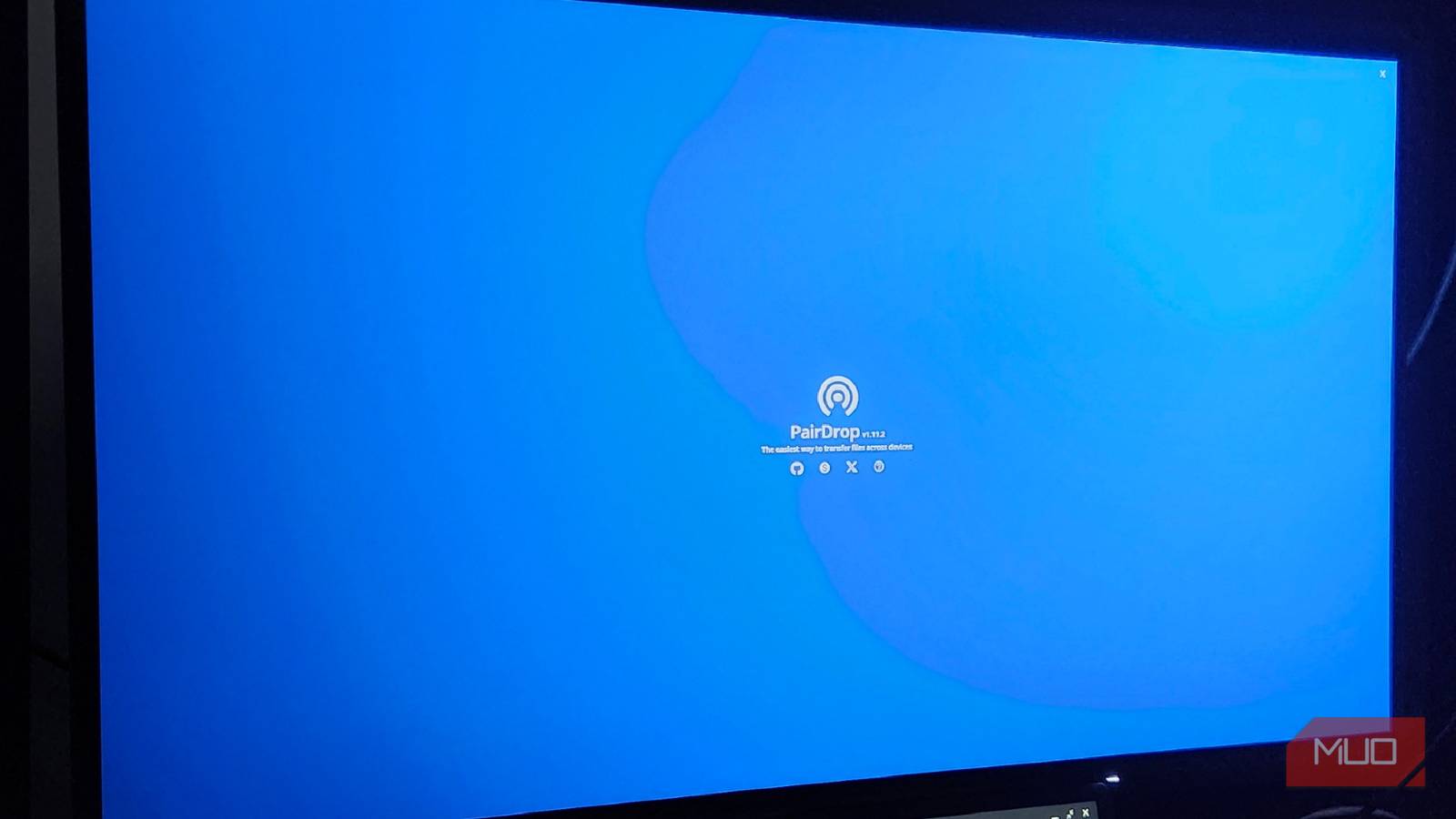
Getting photos from one device to another can be surprisingly cumbersome at times. On a typical day, I’m sending myself over 20 photos that need to be edited, uploaded, and converted for articles and other types of posts. In fact, I went and set up a private Discord server so I could easily transfer those photos from my phone to my PC. But after seeing the amount of compression of these images, I wanted to find a better way to do this.
PeerDrop is open source, encrypted and doesn’t compress my images like Discord does. I’m able to transfer photos faster, faster, and better, and I only need an additional browser window and no additional apps.

AirDrop is finally coming to Android, but only if you have this phone.
File transfer made less of a headache.
Totally universal with anything
If you can access the browser, you can share files with it.

While I’ve been on Android for a hot moment now, one of the best parts of being on Apple’s ecosystem was AirDrop. Transferring files between devices was incredibly easy, and PeerDrop is heavily influenced by this iOS feature. As long as my devices are on the same network, all I need to do is visit the web page, and I’ll see the devices I want to transfer to. Transferring something from my PC to my phone, or vice versa, is as easy as dragging and dropping the file and accepting the transfer. Also, unlike LocalSend, I don’t need to install the app on any device. I can only access the peer drop webpage and transfer from there. If you have an app, Peardrop has an official Android app, as well as a PWA for desktops.
From there, the page takes care of everything I need. Photos, videos, files, or anything else can be transferred in what feels like an instant, and you’ll receive an uncompressed file. Seeing as it uses a P2P connection, my photos and videos will stay exactly the size I want, so I don’t have to worry about a suddenly grainy and messy looking image when I start editing.
P2P and WebRTC for security
You don’t have to worry about saving your photos elsewhere.
The biggest advantage of using something like PeerDrop over Private Discord is the direct P2P nature of the file transfer. While using Discord was a quick, easy way to transfer photos and videos, every shared file is assigned a specific, Discord-centric URL that anyone lucky enough to guess can access. Given Discord currently has age verification issues, and they’re not exactly immune to data breaches, P2P would be the best way to make sure your photos are yours and only yours. You can also set up a personalized Docker instance to have full control over anything and everything you send.
P2P allows direct bit-for-bit transfer, so nothing is lost during transmission, and all metadata from the original image is retained. Also, if you’re sending a ton of photos or videos, it will usually compress them into a zip file, but once unzipped, you’ll get full resolution again. There are no extra “Discordisms” added to my images, and they actually stay true to size instead of being compressed. Plus, PairDrop doesn’t technically enforce any file size limits, so you can upload whatever you need as long as your hardware can support it.
Permanent pairing of the device
Send and send, even if you’re on mobile data.

One of the best things about PairDrop is the ability to permanently pair your favorite devices together, so you can send and receive files no matter where you are. Regardless, you’ll need an internet connection between your host and receiving devices, but even if you’re trying to send something from your phone to your computer, and you’re on mobile data, you can still do it. If I wanted to connect my wife’s phone to my PairDrop page, and she wasn’t home, I could quickly message her and tell her I had something to send her way, and she could receive whatever file I needed.
Or, if I work in an office setting and don’t have access to a Wi-Fi network there. I can easily connect these two devices and send files from the office computer to my mobile phone or my home computer. For a program that doesn’t have a sign-in or account setting, there are amazing things you can do with it. Whenever you plan to add a new device, you receive a new code or a new QR code to scan, so you don’t have to worry about someone trying to access your PairDrop page without your permission.
Broken relationships spoil the fun.
Peardrop can be frustrating if your browser likes to hibernate tabs.

As someone who uses Microsoft Edge regularly, Hibernating Tabs is a great feature. This puts the tabs to “sleep” in the background, so that my CPU and RAM aren’t being tied up by the large number of tabs I currently have open. But when it comes to something like PierDrop, I’d like to make sure I have that tab running at all times. Otherwise, my connection may be lost. If I’m planning to transfer a large file, like a video clip or something similar, a broken connection can mean a lot of wasted time.
The same can be said about mobile devices. If I set my screen to turn off after a certain amount of time, it can also break the connection and stop the transfer. On the other hand, programs like LocalSend can continue to transfer files even if you turn off the screen on your Android device. iOS can be tricky regardless of the program you’re using, so keep that in mind if you plan to send a file. With PairDrop using WebKit on Apple devices, it may work best on Safari if you’re in the Apple Ecosystem. If push comes to shove, you can always install it as a Progressive Web App, or PWA, so you can make sure it never goes into sleep mode.

- OS
-
Windows, MacOS, Android, Linux, iOS
- The developer
-
schlagmichdoch
- Individual pricing
-
free
- Mobile app
-
yes
Pear Drop makes my day easier.
Just keep playing it on the second screen, and you’re set.
As someone who is constantly transferring files between their phone and PC, PeerDrop feels like a miracle program. Instead of having to hop between multiple programs to transfer just a few photos, I can keep that tab running on a separate monitor to make sure the connection isn’t broken, and get my hands on tons of photos I can use here, or share on social media, or anything in between.
Even with its little quirks, I can’t see myself using Pear Drop anytime soon. It has made my daily life so much easier, safer, and most importantly, faster and more efficient. Plus, not paying extra to transfer large files is an immediate plus.